VERSION 1.0
Military Survive Zombie
Lead your squad down the highway. Pick the right gates, keep the zombies off you, beat the boss.
PLAY NOWFree. No ads, no sign-up. Made for phones, and it plays on a computer too.
Put it on your Home Screen
The game is best as an app on your Home Screen: it opens full screen, plays offline, and keeps your progress safer. It doesn't come from the App Store; you add it straight from this website.
iPhone or iPad
- Open this page in Safari and tap PLAY NOW.
- Tap the Share button (the square with an arrow pointing up). On a newer iPhone, tap ⋯ first.
- Scroll down and tap Add to Home Screen.
- Turn on Open as Web App if you see it, then tap Add.
- Open the game from its new icon, MS Zombie, on your Home Screen.
Add it from the game itself (after PLAY NOW), not from this page, so the icon opens the game.
Android
- Open this page in Chrome and tap PLAY NOW.
- Tap the ⋮ menu at the top right.
- Tap Add to Home screen (or Install app), then Install.
Computer
Just tap PLAY NOW; it plays in the browser. In Chrome or Edge you can also install it with the install button at the right of the address bar.
How to play
- Steer: drag left or right anywhere on the screen. On a computer, drag with the mouse or use the ← → or A D keys; Esc pauses.
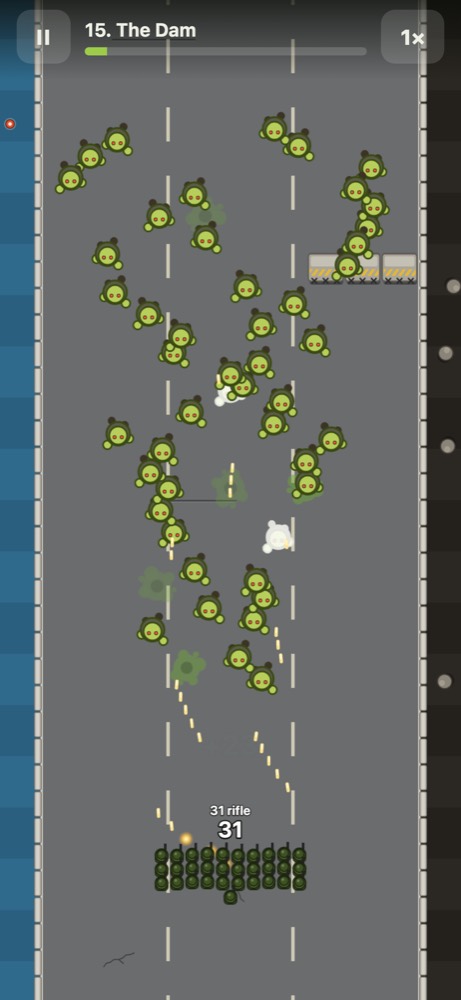
- Your soldiers shoot by themselves. Line them up on the zombies, and keep clear of the ones you can't stop: every zombie that reaches you costs soldiers.
- Gates add, subtract, multiply or divide your squad. Read the number and pick the best one.
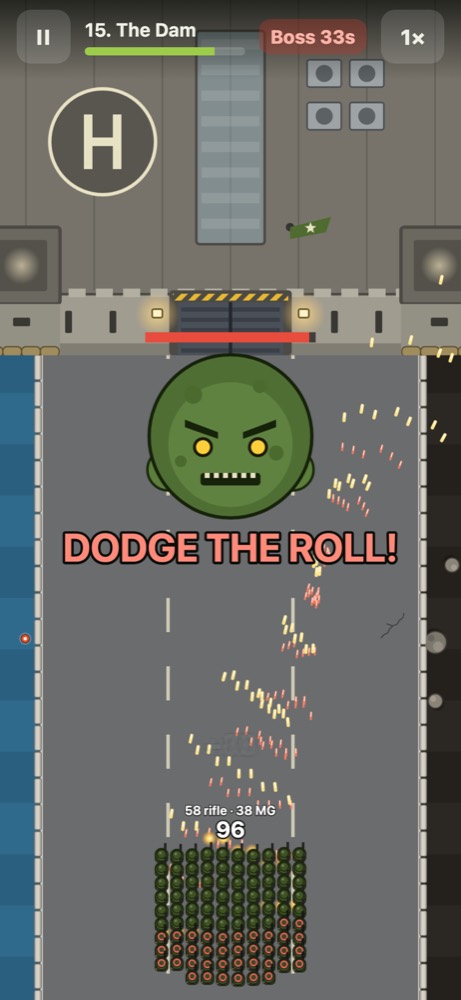
- Beat the boss at the end of the road, in front of the base. When it gets ready to roll, move out of its lane.
- Spend your supplies at the Outpost between missions, on more soldiers and harder hits.
- Easy, Medium or Hard: choose on the start screen or at the Outpost. Easy has bigger bonus gates and weaker zombies; Hard calls in air strikes, so move out of the red target before the bomb lands.
- 40 missions. Each one opens when you win the one before, and new weapons and new dangers turn up along the way: helicopters, kamikaze runners, wind, ice and holes in the road. Alien eggs? Only shotguns and fire kill what hatches. At the end, the Hollow.
Good to know
- Your progress is kept on your device, in the browser you play in. Safari and the Home Screen app keep separate progress; the game's Settings → Back up / Restore moves it between them.
- After the first time, it plays without a connection.
- New versions arrive by themselves: the game updates the next time you open it.